
1. Start with the specimen and the task
Imagine a teaching laboratory: one colleague wants to observe prepared slides; another needs to save images for classes. This is an editorial example, not a customer story. “We need a microscope” conceals different intended outcomes.
Describe the specimens, preparation, visual or camera observation and desired output: screen display, archiving or documentation. For professional procedures, specify the applicable method. Selecting equipment does not replace method verification or staff training.
2. Magnification is not additional detail
Useful magnification is linked to numerical aperture; enlarging an image further does not necessarily resolve finer detail. [1]
Request the exact objectives and eyepieces included in the quotation, their identifiers and optical-system documentation. Do not compare packages solely by the largest headline number. Establish which components are included and which photographs show options. An available position for another objective does not mean that objective is supplied.
3. Match illumination to the specimen
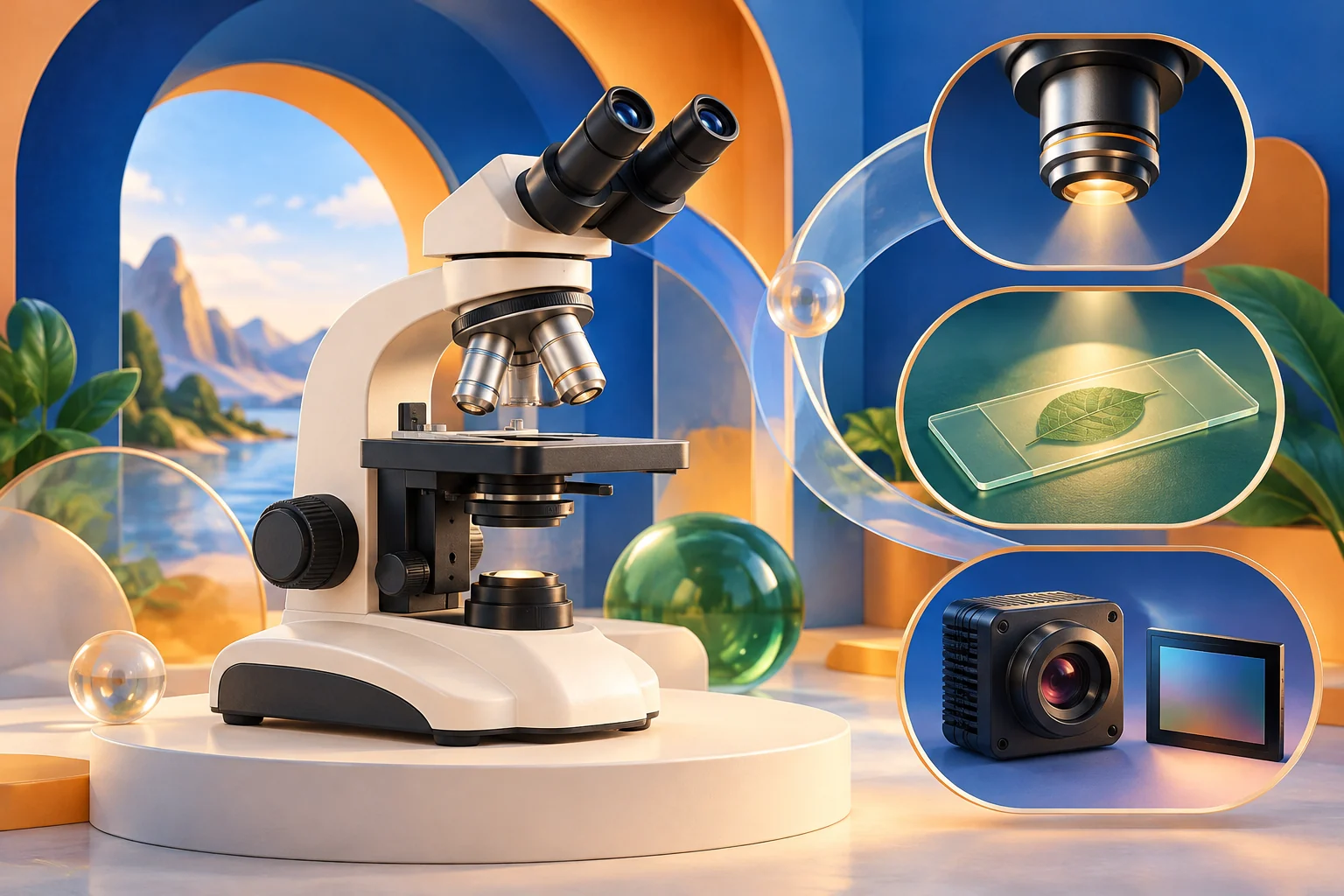
Reflected light is typically used for opaque specimens. [2] This is a starting point for a question, not a universal recommendation for every material.
Ask the supplier to identify the observation method for your task and its illumination components in writing. Confirm whether these are included and where adjustment is explained in the manual. Do not assume brighter illumination alone will solve an imaging problem. Agree a demonstration using a representative specimen that is permitted for use.
4. Treat the camera as part of the system
Camera field of view depends on sensor dimensions and total optical magnification. [3]
Agree the camera, port, adapter and software together. A similar-looking connector or the word “digital” is not compatibility documentation. Ask about the supported operating system, export format and licence conditions where applicable. For image-based measurements, separately agree calibration under the relevant documentation: connecting a camera does not establish measurement accuracy.
5. Record the configuration and acceptance check
Before approval, assemble one list covering task and specimen, exact optical component identifiers, illumination, camera and adapter, software, manuals and demonstration criteria. Mark every item as included, optional or requiring clarification.
At receipt, compare actual components with that list, not just the label on the box. Keep document versions and agreed test results in the equipment log. FORMED® provides information, not confirmation of stock, package contents or a model’s diagnostic suitability. Decide using the specific product documentation and your operational requirements.